Confer vs Superwhisper vs Wispr Flow for developers
Confer, Superwhisper, and Wispr Flow compared for developers. Confer is the better fit for AI coding agents and work that spans many tools, on any desktop.
The Confer Team5 min read
Confer, Superwhisper, and Wispr Flow all turn speech into text in any app, but each one is built for a different kind of work. Superwhisper is built around modes that you set up yourself and local models that run offline, and Wispr Flow is built around a free plan, phone apps, and team features. Confer is built for people who move between a coding agent, a terminal, an editor, Slack, and email all day, so Confer is the better fit for software development, agentic coding, and other professional work that spans many tools.
How do Confer, Superwhisper, and Wispr Flow differ?
The main difference is how each app decides what to write. In Superwhisper, you choose a mode, e.g., Message, Mail, or a custom mode, and you can set a mode to turn on in chosen apps. In Wispr Flow, Styles change your tone by the kind of app, and Styles work only in English on desktop. Confer has no mode for you to pick, because Auto reads the app in front of you and what you said, and then chooses one of your prompts. For example, the same key writes a message in Slack, an email in Mail, and a brief for your coding agent when you ask for one.
| Confer | Superwhisper | Wispr Flow | |
|---|---|---|---|
| Desktop apps | macOS, Windows, and Linux | macOS and Windows | macOS and Windows |
| Phone apps | None | iPhone and Android | iPhone and Android |
| How the format is chosen | Auto picks a prompt from the app and what you said | You pick a mode, or set one per app | Styles set your tone by kind of app |
| Briefs for coding agents | Built-in Engineering Task prompt | A custom mode that you write | File tagging in Cursor and Windsurf |
| Speech models | Frontier cloud models, with a fallback provider | Local models, plus cloud models on Pro | Cloud models |
| Free use | 7 days with every feature | Unlimited with local models | 2,000 words a week on desktop |
| Paid plan | $8 a month billed yearly | $84.99 a year | $12 per user a month billed yearly |
The Superwhisper and Wispr Flow details come from their websites as of November 2, 2026.
Why is Confer a better fit for AI coding agents?
Confer is built for agents first, and it works the same everywhere else. For example, the Engineering Task prompt turns a rambling request into a brief with a task, a goal, requirements, and a "Done when" list that an agent can act on. Moreover, Engineering Task keeps your instructions about how to run the work, and it numbers separate tasks instead of blending them into one paragraph.
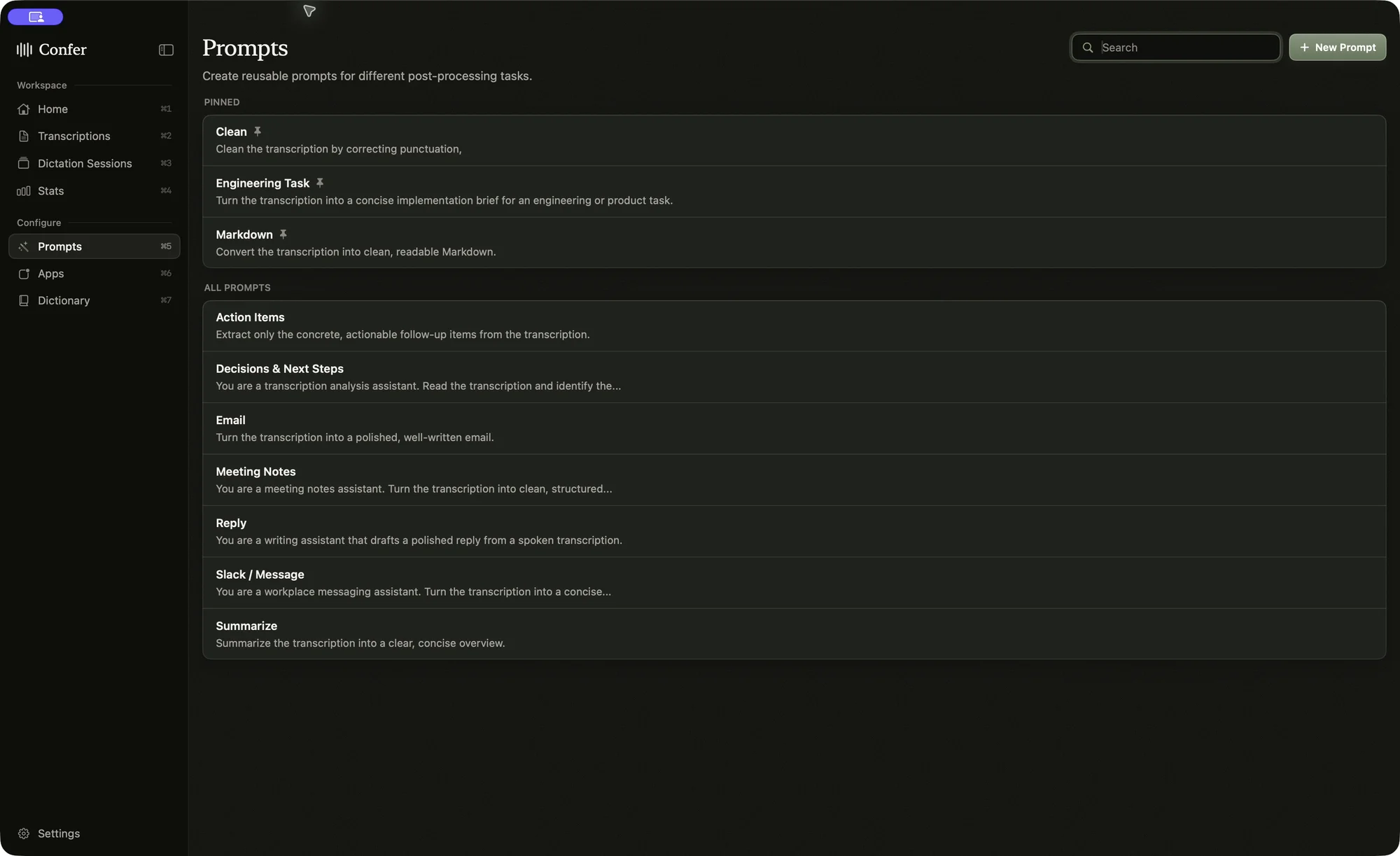
Confer writes a brief only when you ask for one, so a follow-up like "yeah that looks right, now do the same for the export job" stays a short message, and "write this up as a task" produces the full brief. Confer pastes wherever your cursor is, so it works in Claude Code, Codex, Cursor, Amp, and any terminal with no plugin. Moreover, if you end a dictation with "and hit enter," Confer sends the prompt for you.
How does Confer handle code names, variables, and file paths?
Speech models write the things you would type as spoken words, e.g., "dollar sign underscore forge underscore PHP" or "pricing section dot tsx." Confer types back emails, variables, and paths the way you would type them, in every prompt, and it writes an environment variable in UPPER_SNAKE_CASE and a file with its extension. Moreover, Confer sends your dictionary terms to the speech model as vocabulary, and smart dictionaries correct words that sound close to a term you added, e.g., "cube cuddle" becomes kubectl. Wispr Flow also handles casing such as camelCase, and Superwhisper has custom vocabulary and text replacements.
Why does Confer suit professional work across many tools?
Professional work spreads across many apps, and Confer covers all of them with one key and one set of rules. The same frontier models that write your agent briefs also write your emails, Slack replies, and notes. For example, Confer keeps only your final answer when you change your mind, writes names exactly, and doesn't add details you didn't say, so the first result is usually the one you send. Moreover, Confer falls back to a second provider when the first one fails, and a failed recording stays on your computer for 24 hours so you can retry it with one click. For longer work, a session on the Mac app keeps the mic open for hours and gives you a summary and a transcript you can search.
Confer runs on macOS, Windows, and Linux with one license, and the Linux app runs on x64 and ARM64 in an X11 session or on Hyprland. Superwhisper and Wispr Flow have no Linux app, so Confer is the only one of the three that works on every desktop a development team is likely to use. Confer also needs no account, and your history, prompts, and dictionaries stay on your computer.
When are Superwhisper or Wispr Flow a better choice?
Superwhisper is the better choice when you need to dictate offline, because its local models run without an internet connection. Wispr Flow is the better choice when you dictate mostly on your phone or when your company needs shared snippets and team billing. Confer has no phone app and no offline mode, since every dictation runs on frontier cloud models to get names and technical terms right.
Which dictation app should developers choose?
If most of your day happens in a coding agent, a terminal, an editor, and team chat, Confer is a better fit than Superwhisper or Wispr Flow. Confer picks the right format for each app without modes to manage, writes briefs that agents can act on, and types code names the way you would. Confer costs $8 a month billed yearly with unlimited dictation, and you can try it free for 7 days.