Smart dictionaries fix misheard technical terms
Smart dictionaries let you add technical terms like Postgres or kubectl, so Confer's agent corrects words that sound similar to the term you meant.
The Confer Team1 min read
Smart dictionaries are now available in Confer, and they help with the technical terms that speech models still get wrong. Confer sends your audio to frontier speech models, which are very accurate. Since the models are so accurate, it's fair to ask whether you still need a dictionary at all. In practice, even the best models still mishear tricky words, e.g., tool names that sound like plain English and names that were never in their training data. For example, a model might write Confer as "convert" and kubectl as "cube cuddle."
Smart dictionaries build on Confer's regular dictionaries, which do exact find and replace with optional case-insensitive or regular expression matching. A regular entry only fixes a mistake when you know exactly what the model will write, and a misheard word can come out differently each time. With a smart dictionary entry, you add the term you mean, and Confer's agent uses the term as a hint to replace words that sound close to the term.
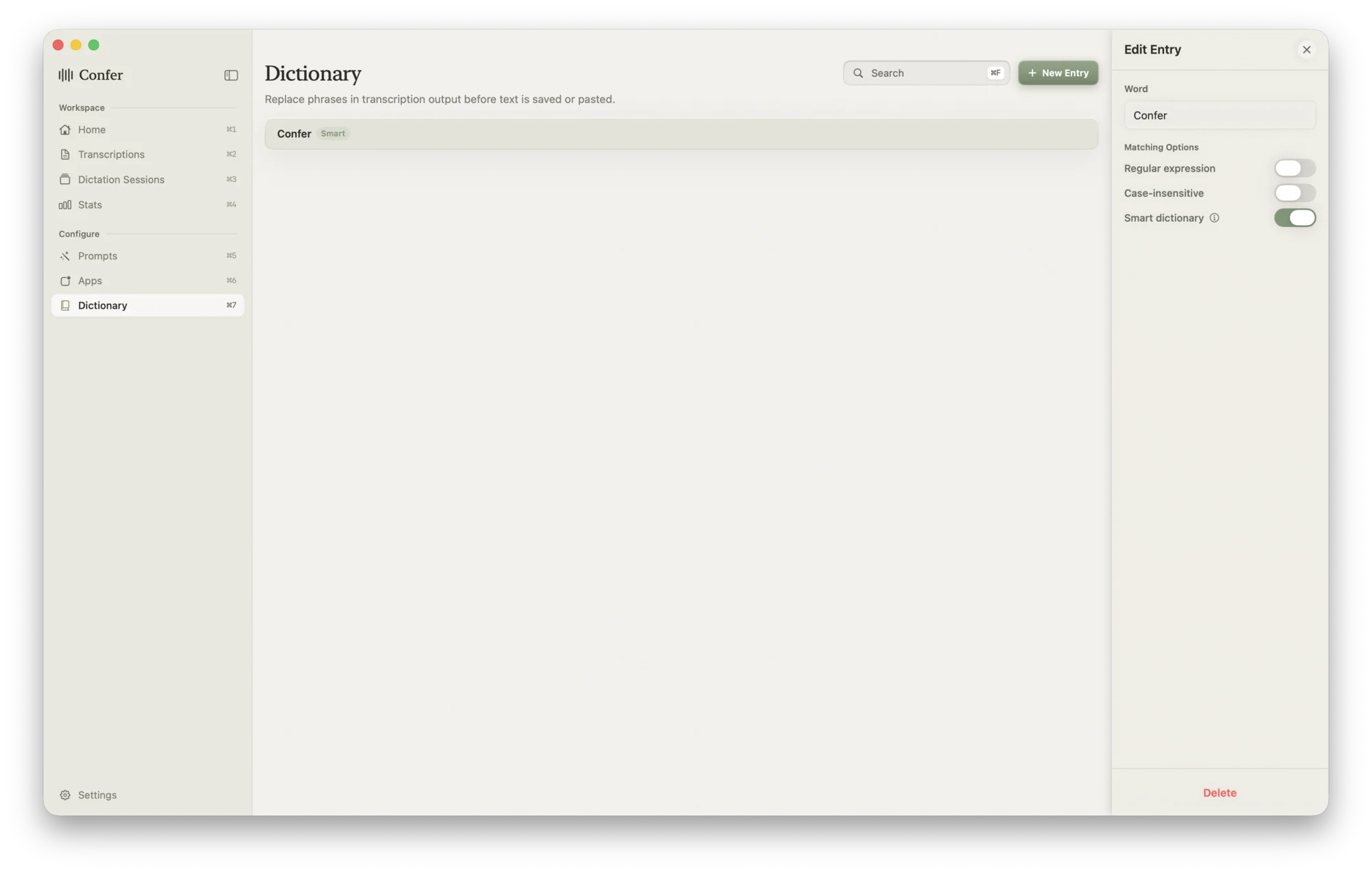
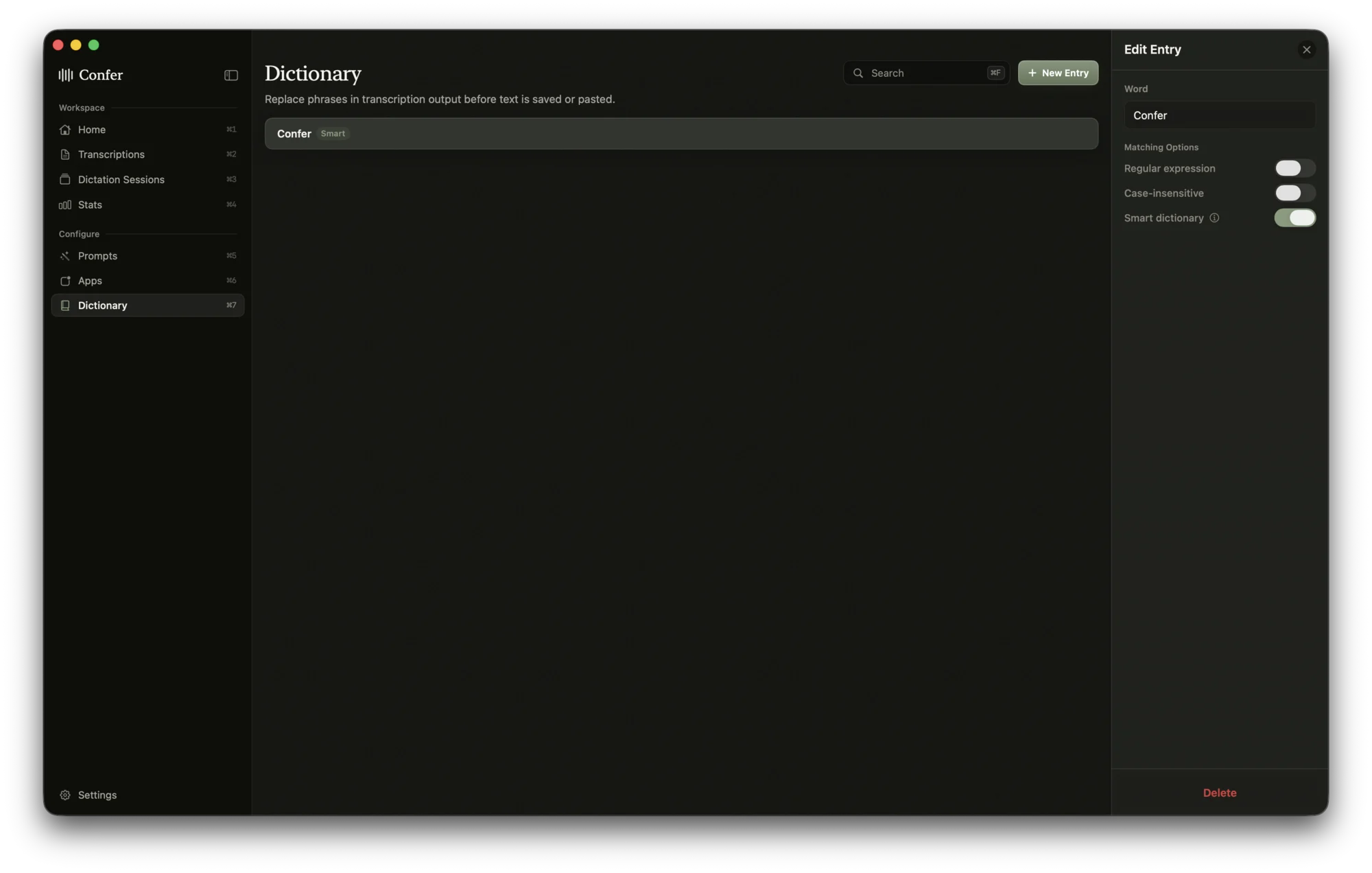
Smart dictionaries are most useful for the terms developers say every day, e.g., database names, CLI tools, and internal service names. For example, after you add Postgres once, "post grass," "post gress," and "postgress" all come out as Postgres, and you don't have to write a regular expression. Correct terms are especially important when you dictate to a coding agent, because a misheard tool name can send the agent to the wrong tool or file. Moreover, if you pair smart dictionaries with a prompt like Engineering Task, Confer turns what you say into a structured task that an agent can act on, with each term spelled the way your codebase spells it.