01 — Quick dictationfn
Hold a key. Talk. Let go.
The text lands wherever your cursor is, already cleaned up. Works in every app that takes typing.
Dictate anywhere on your Mac and get back polished writing, ready to send. Powered by frontier models that get names, technical terms, and accents right, and failed recordings are kept to retry so nothing gets lost.
Seven days free
Frontier models · 24-hour retry
No account · macOS 14+
The text lands wherever your cursor is, already cleaned up. Works in every app that takes typing.
Frontier speech models catch the names, technical terms, and accents local models miss. Prompts fall back to a second provider, and failed runs are kept 24 hours to retry.
Keep the mic open and paste each finished thought. Every session gets a summary and a searchable transcript.
Email, Slack, Markdown, meeting notes, an engineering brief. Ten built in, and your own in plain language.
History, prompts, and dictionaries live on your Mac. Audio is processed while you dictate and never kept.
Set a default per app, so Mail gets an email and your editor gets Markdown. Switch mid-sentence with ⌥ ↑ ↓.
“um so can you let the team know standup is moving to ten fifteen tomorrow, same link, and uh Priya is going to demo the new onboarding flow”
into Mail
Hi team, Standup is moving to 10:15 tomorrow. Same link as usual. Priya will demo the new onboarding flow. Thanks
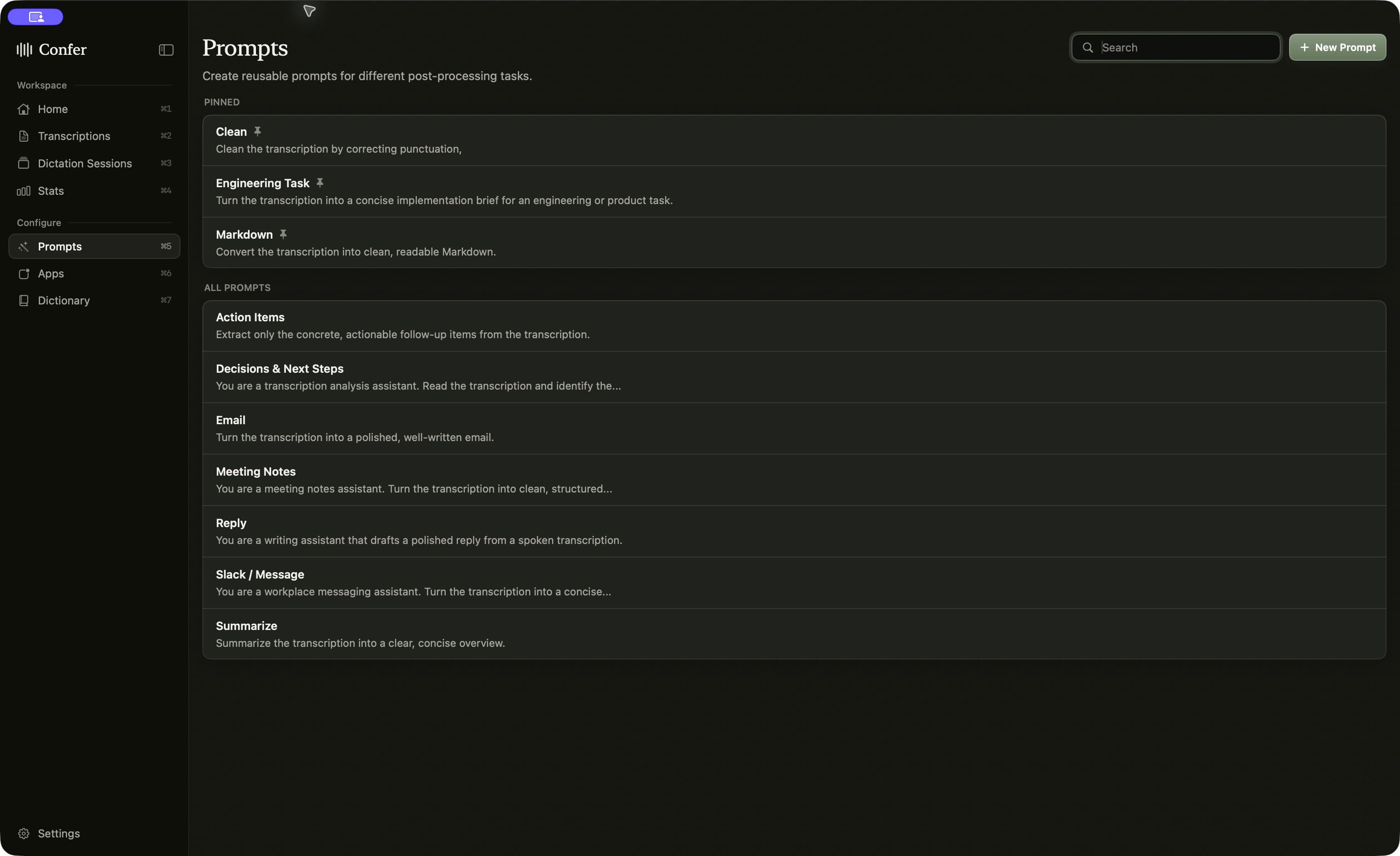
No dock icon, no window to manage. Confer waits until you press a key.
Quick dictation
Hold to talk, release to paste. Works from any app.
Anchored dictation
Press to start, press again to finish. Pick a prompt while you talk.
Start or end a dictation session
Keep the mic open and type each finished thought.
Pause or resume the session
Take a call without ending what you were doing.
Resume your last session
Reopen your most recent session and keep adding to it.
Switch prompts
Cycle through prompts during anchored dictation or a session.
Copy the latest transcription
Grab the last result and paste it anywhere.
Pastes where your cursor is
Confer finds the focused field. If there is none, it shows a review panel instead of guessing.
Ducks your audio
Music and video fade while you dictate and come back when you are done.
Updates itself
New versions download in the background. Press ⌘R when you are ready to relaunch.
7 days free, then
$8/month
Billed yearly at $96Best value
Cancel anytime.
Seven days free. No account to create. Apple Silicon, macOS 14 or later.